Tutoring Services System

Darien Muse-Charbonneau
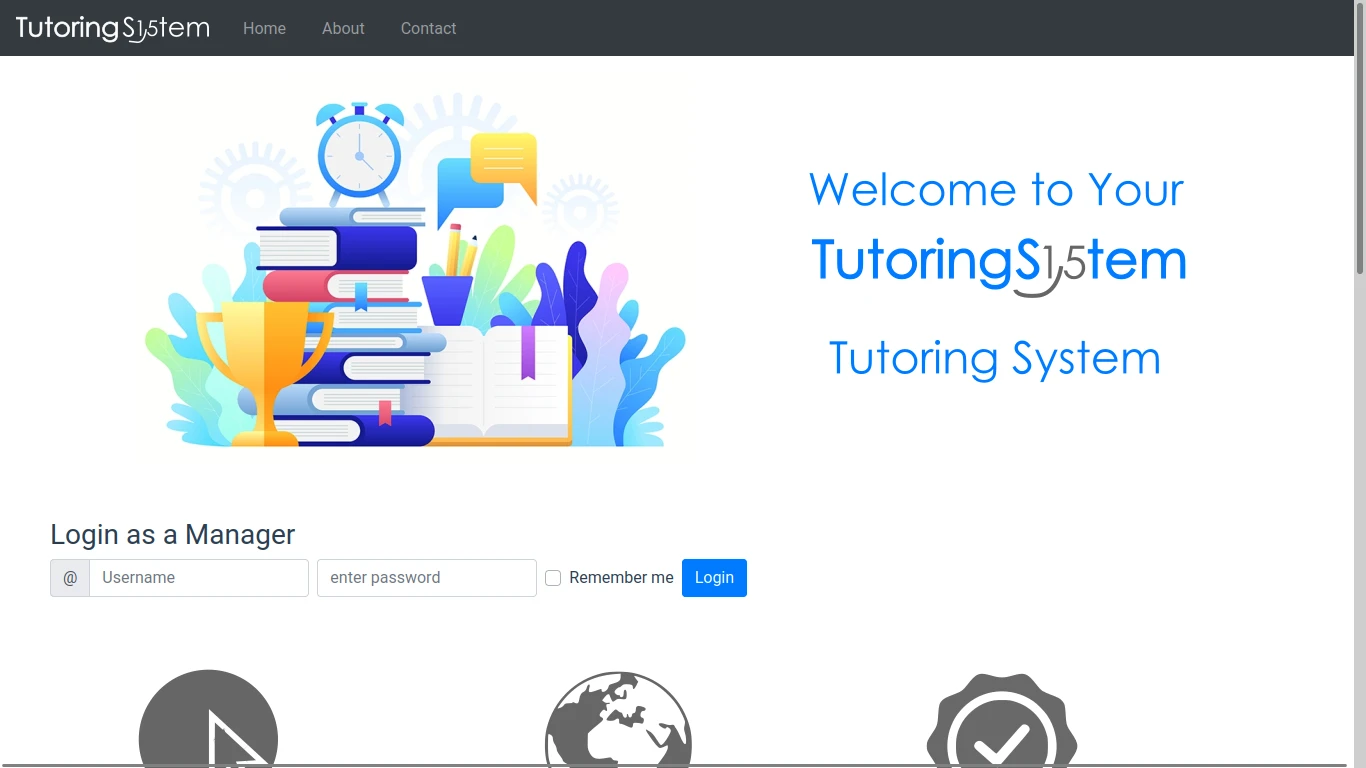
In a team of 5, developed a full-stack web application for managing tutoring services.
Overview
In 2019, in a team five, I contributed to every layer of a full-stack web development project as part of a McGill University course. (GitHub repo here.)
Tech Stack
Our tech stack for that project looked like the following:
| Layer | Technology |
|---|---|
| Frontend: | Bootstrap, CSS, HTML, JavaScript, Vue |
| Backend: | Gradle, Java, Node.js, Spring |
| API: | JDBC, REST APIs |
| Database: | H2, PostgreSQL |
| Testing: | JUnit, Mockito, Nightwatch, Postman |
| Version Control: | Git, GitHub |
| CI: | Travis CI |
| Deployment: | Heroku |
| Project Management: | Agile, Scrum |
| Modelling Tools: | UML |
How to Run this Project?
Because this is a 5+ year old project, we used the latest versions of the tools available at the time (2019). We also deployed this app to a Heroku account that surely no longer exists, so we will need to make some small changes to demo the project.
Update Gradle Version
We used Gradle version 5.6.2, Java SE 8, and Spring Boot 2.1.2.
Unfortunately, Gradle version 6.3 and earlier are deprecated and no longer support toolchains, so it cannot download dependencies through repositories like we used to.
So, we must first upgrade to at least Gradle version 6.7 for our project to work.
To do this, go to project-group-15/gradle/wrapper/ to modify the gradle-wrapper.properties file.
In that file, we want to change the disrtibutionUrl to fetch gradle-6.7-bin.zip instead of gradle-5.6.2-bin.zip.
distributionUrl=https\://services.gradle.org/distributions/gradle-6.7-bin.zipUpdate Database Configuration
At the end of this project, we deployed an a free Heroku account with a PostgreSQL database. Instead, we’ll use a local in-memory store, so we’ll reconfigure some things to make an H2 database.
First, we must navigate to the ~/tutoringapp-backend/build.gradle file to change one dependency.
Change the line runtimeOnly 'org.postgresql:postgresql' for implementation 'com.h2database:h2'.
dependencies { implementation 'com.h2database:h2'}We must then navigate to the ~/tutoringapp-backend/src/main/resources/application.properties file to change some properties there.
spring.jpa.database-platform=org.hibernate.dialect.H2Dialectspring.datasource.driverClassName=org.h2.Driverspring.jpa.hibernate.ddl-auto=create-dropspring.datasource.url=jdbc:h2:mem:testdbspring.datasource.username=saspring.datasource.password=passwordRun the Project
You must run this project using Java SE 8 or it will likely not work.
If you are using IntelliJ IDEA Community Edition, navigate to File -> Settings -> Build, Execution, Deployment -> Build Tools -> Gradle.
Then, select the option Gradle JVM -> Add SDK -> Download Android SDK....
Then, set the Version to 1.8 and download the JDK from a vendor of your choosing.
Now, you should be able to successfully build and run the project.
# First, build the project~/project-group-15/$ ./gradlew clean compile
# Then run the project as a Spring Boot Application~/project-group-15/$ ./gradlew bootRun
# Install dependencies for the frontend~/project-group-15/tutoringapp-frontend/$ npm install
# Run the frontend on a local server (port 8087 by default)~/project-group-15/tutoringapp-frontend/$ npm run dev
And there we have it: the project is running! You can now demo the Tutoring Services System.
- Home
- Work
- About
- Lethbridge, AB, Canada